
DietrichGebert / ponytail
Makes your AI agent think like the laziest senior dev in the room. The best code is the code you never wrote.
description README.md

Ponytail
He says nothing. He writes one line. It works.





Ponytail 5: rebuilt from the ground up.
-53% code · -41% time · -26% cost · -45% tokens
And yet: 98% of risky logic ships with a test. Without Ponytail: 68%.
Benchmarked in Claude Code, the same agent with and without the skill: 39 tasks including a real FastAPI + React repo, Opus 5.5, 5 runs each. Details.

Already built with Ponytail

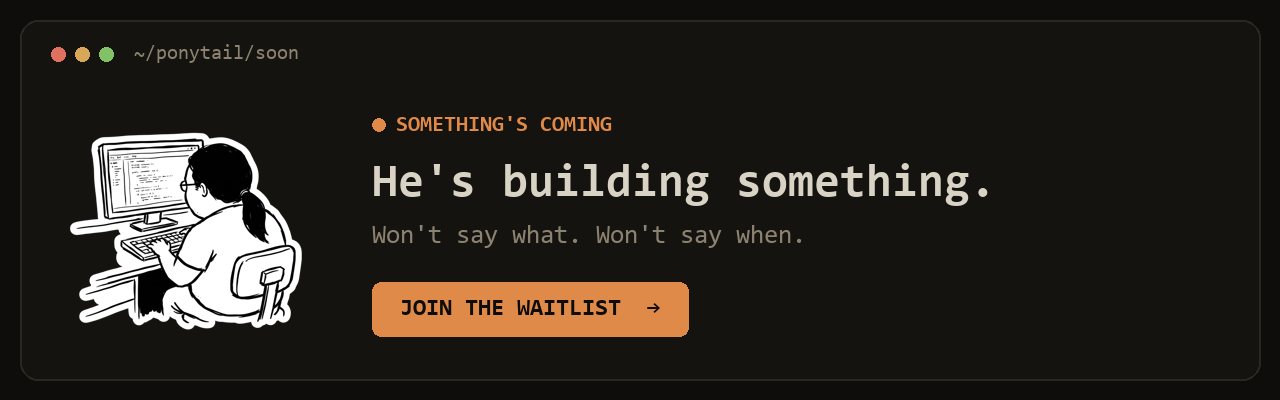
You know him. Long ponytail. Oval glasses. Has been at the company longer than the version control. You show him fifty lines; he looks at them, says nothing, and replaces them with one.
Ponytail puts him inside your AI agent.
Numbers


Two things the chart does not show: in a blind comparison, Ponytail 5's replies beat the previous Ponytail's 110 to 67. And on the six security tasks (SQL injection, path traversal, forged tokens, rate limiting, malformed CSV rows, caching) it passed all 30 runs: less code, no less safe. Method, per-task tables and limits: benchmarks/results/2026-10-07-agentic.md.
The rule was never "fewest tokens." It is: write only what the task needs, and never cut validation, error handling, security, or accessibility. The code ends up small because it is necessary, not golfed. Lower cost and latency are a side effect.
Before / after

You ask for a date picker. Without Ponytail, the agent installs a date picker library or builds a whole calendar by hand: 335 lines. Ponytail 5 first looks at what is already there: the repo has an Input component, and every browser has a date picker. It puts the two together. 10 lines.
More survivors in examples/.
The review, rebuilt

/ponytail-review used to look only for code to cut. Now it reviews like the senior dev who gets paged when it breaks: it reads the code your change touches, not just the diff, and checks bugs, security, real load, missing tests, speed, and what to cut. Each finding says what the code does, what goes wrong, how to fix it, and what happens if you don't.
The audit, rebuilt

/ponytail-audit runs the same checks on the whole repo. It maps the code first: entry points, how data moves, what load the project expects. Then it ranks what it finds and tells you what to fix first. The old audit only listed what to delete.
How it works

The ladder runs after it understands the problem, not instead of it: it reads the code the change touches and traces the real flow before picking a rung. Lazy about the solution, never about reading.
Lazy, not negligent: trust-boundary validation, data-loss handling, security, and acc
More in Uncategorized

openclaw / openclaw
OpenClaw is an open-source personal AI assistant that runs on your own devices and connects to the communication platforms you already use. It provides a fast, always-available assistant that can respond, listen, speak, and perform tasks across desktop and mobile devices.

obra / superpowers
An agentic skills framework & software development methodology that works.

mattpocock / skills
Created by renowned TypeScript educator Matt Pocock, Skills is a collection of practical, reusable workflows for AI coding agents such as Claude Code and Codex. The skills help developers plan, test, debug, and build real-world software while keeping control of the engineering process

affaan-m / everything-claude-code
The agent harness performance optimization system. Skills, instincts, memory, security, and research-first development for Claude Code, Codex, Opencode, Cursor and beyond.